Find official service links
Get directed to official Brockton pages for bills, permits, issue reporting, property tools, forms, and other city services.
- Find bill payment options
- Find permit information
- Find an issue-reporting route

Find Brockton, Massachusetts services, permits, records, meetings, forms, local offices, and next steps without digging through city pages.

Voice and text are not live yet. Official city links remain available while the protected Internal and public-safe External lanes are prepared.
These paths help you find the right official Brockton information or service. This guide cannot take payments, submit applications, request records, or file reports for you.
Get directed to official Brockton pages for bills, permits, issue reporting, property tools, forms, and other city services.
Locate official information about public records, City Council materials, meetings, calendars, and civic participation.
Identify the official department for planning, building, licensing, procurement, inspections, and business questions.
Locate official school information and contacts for general questions while protecting student and family privacy.
Use voice or text to ask what you need. The guide helps you get to the right information faster, without searching through pages or guessing which office to call.
Designed for residents, families, businesses, vendors, visitors, and community members. Start here before you call around, search city websites, or guess which department handles your question.
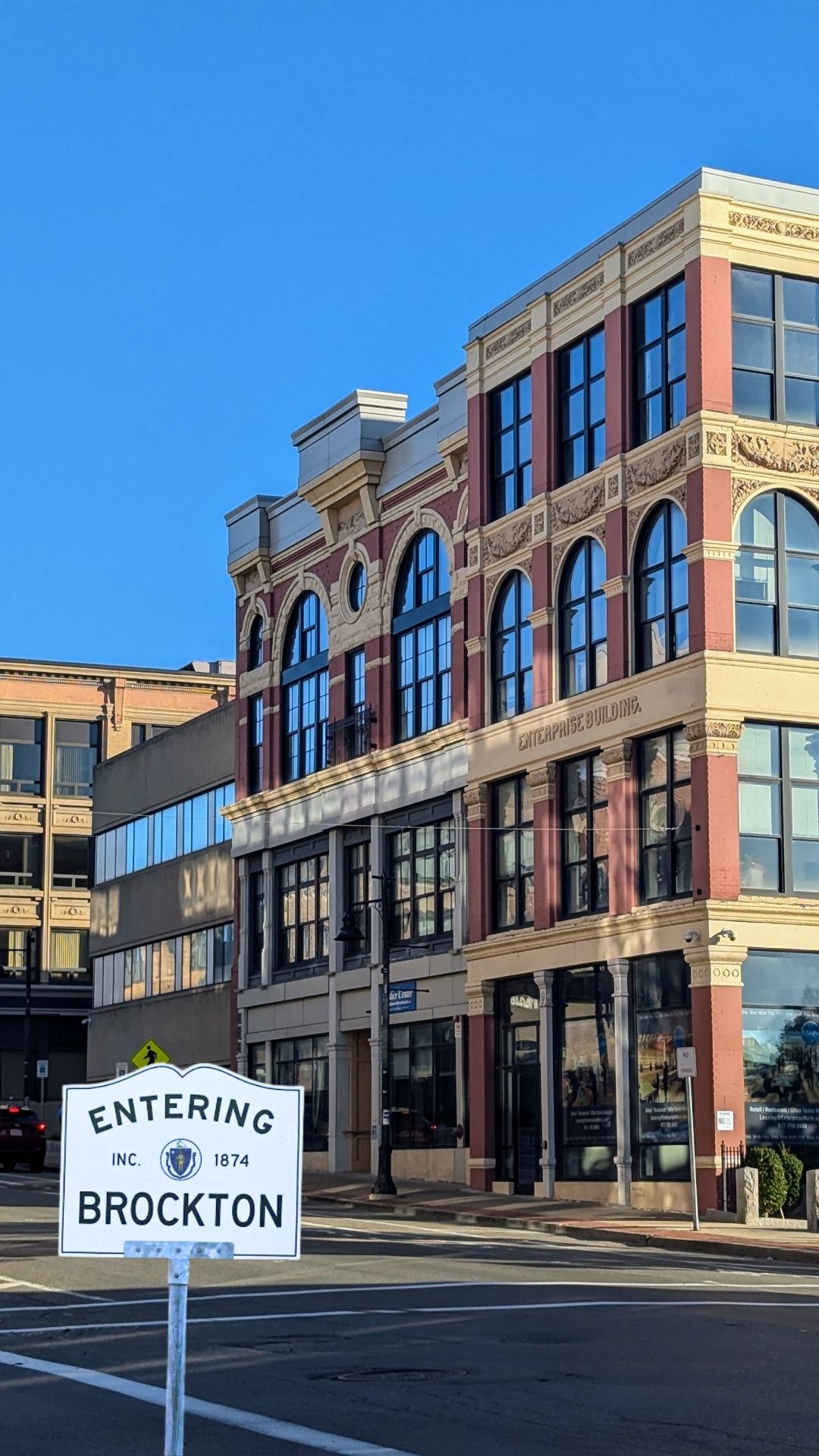
This is a simple front door for city information. Ask in your own words and get a useful direction without searching through pages, menus, PDFs, and department lists.
Say what you need in Brockton. The guide helps turn it into a useful answer without making you hunt through city pages.
Use it for city services, permits, public meetings, records, business questions, local offices, forms, and community resources.
Most questions can start here. If a city office still needs to handle it, the guide helps you know who to contact and what to have ready.
No. This is a SimplCity civic guide. Verify important details through official city or town sources before acting.
No. Emergency questions should go to 911 or the proper emergency service immediately.
No. It can help you find the right official route, but city staff, boards, agencies, or official processes make final decisions.
Pay bills, check permits, report issues, search property tools, and find forms.
Brockton Public SchoolsOfficial school information, family resources, and district contacts.
City CalendarCurrent public meetings, hearings, civic events, and notices.
City DepartmentsDepartment contacts, City Hall details, and issue-reporting routes.
Public Records RequestStart an official public-records request with the City of Brockton.
School EnrollmentRegistration steps and required documents for new BPS students.
Brockton Area TransitOfficial BAT maps, schedules, rider tools, alerts, and accessibility information.
Official City WebsiteCity news, departments, services, public documents, and notices.